Payment Links: The Fastest Way to Increase Sales
- By campay
- January 10, 2026
In 2026, most customer conversations happen in DMs ..WhatsApp, Instagram, Facebook Messenger. But when it comes time to collect payment, many businesses in Cameroon still rely on manual mobile money transfers that require customers to type account numbers, take screenshots, and wait for confirmation.
This process creates unnecessary friction that costs businesses real money in lost sales.
Payment links solve this problem by turning any message into a one-click payment experience. Here’s how they work and why they’re quickly becoming the standard for digital commerce in Cameroon.
The Payment Friction Problem
When you ask a customer to manually send mobile money, you’re introducing multiple steps into what should be a simple transaction:
- Customer copies your mobile money number
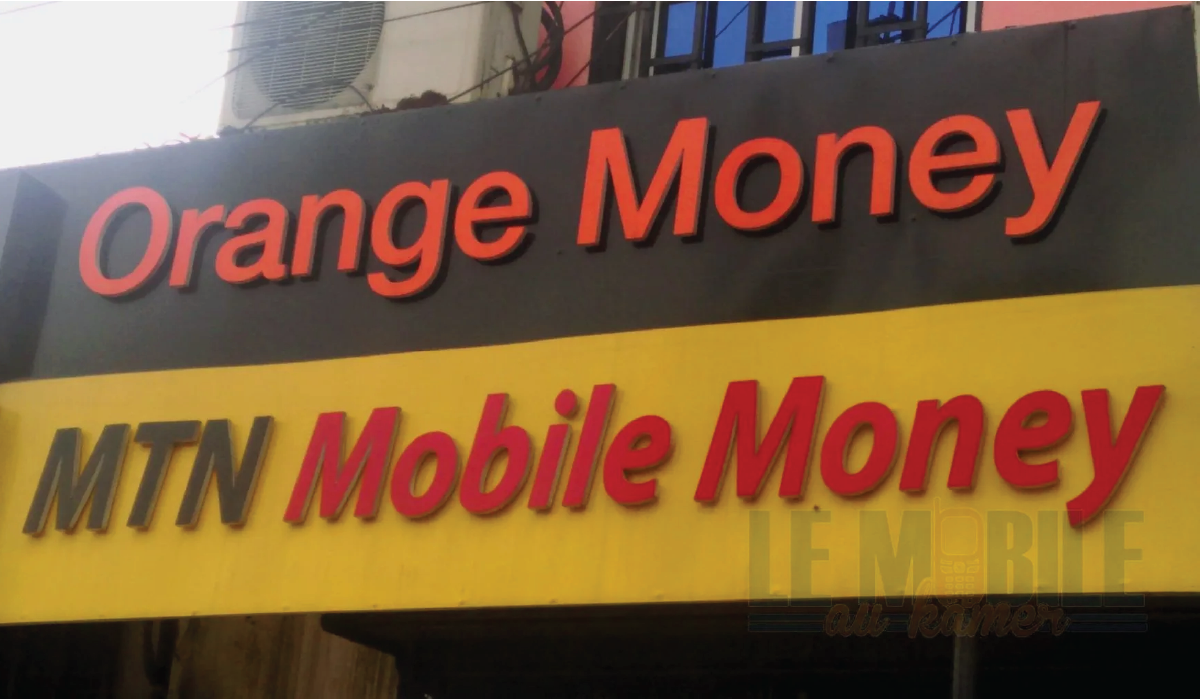
- Opens their MTN MoMo or Orange Money app
- Enters the number manually
- Types the payment amount
- Confirms the transaction
- Returns to your conversation
- Takes a screenshot of the transaction
- Sends it back to you for verification
Each step is an opportunity for the customer to:
- Make a typing error
- Get distracted by other notifications
- Decide the process is too complicated
- Abandon the purchase entirely
According to payment data from businesses across Cameroon, this manual process has an average completion rate of just 60-70%. That means 3-4 out of every 10 interested customers don’t complete their purchase , not because they changed their mind about your product, but because the payment process was too cumbersome.
How Payment Links Work
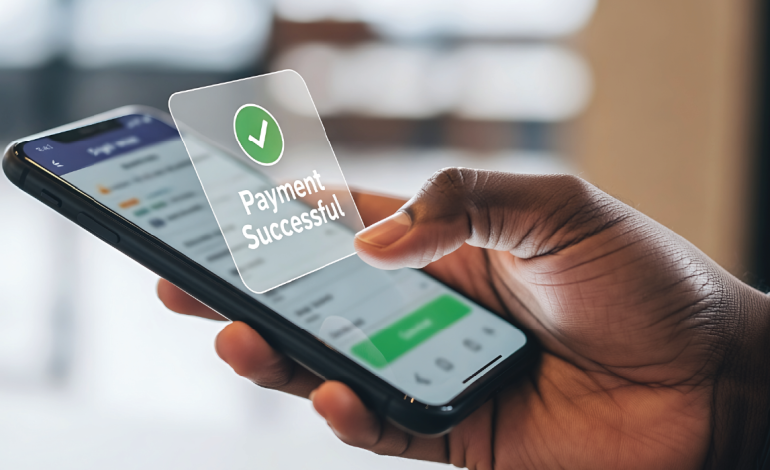
A payment link is a URL that, when clicked, takes the customer directly to a secure payment page where they can complete their transaction in seconds.
Here’s the complete flow:
For the business:
- Create a payment link with the amount and description
- Share the link in any message (WhatsApp, Instagram DM, SMS, email)
For the customer:
- Click the link
- Choose their payment method (MTN Mobile Money, Orange Money, or card)
- Confirm the payment
For both:
- Business receives instant notification when payment is confirmed
- Customer gets immediate confirmation
- Transaction is automatically recorded
The entire process takes 15-30 seconds from click to confirmation.
The Business Impact: Real Numbers
Consider a typical small business selling products online through WhatsApp and Instagram:
Before implementing payment links:
- 100 customer inquiries per month
- Manual mobile money number sharing for payment
- 35 completed transactions (35% conversion rate)
- Average sale value: 20,000 FCFA
- Monthly revenue: 700,000 FCFA
After implementing payment links:
- Same 100 customer inquiries
- Payment links shared for all transactions
- 75 completed transactions (75% conversion rate)
- Same average sale value: 20,000 FCFA
- Monthly revenue: 1,500,000 FCFA
The difference? An additional 800,000 FCFA per month (9,600,000 FCFA annually) simply by reducing payment friction.
This isn’t theoretical. Businesses across Cameroon are seeing conversion rate improvements of 40-100% when switching from manual mobile money instructions to payment links.
Key Advantages of Payment Links
1. Eliminate Transaction Errors
When you share your mobile money number manually, errors are common:
- Customer types 677 instead of 670
- Amount is entered incorrectly (14,000 instead of 15,000)
- Payment goes to personal account instead of business account
Payment links eliminate these errors entirely. The amount is pre-filled, and the destination is always correct. The customer simply confirms.
2. Accept Multiple Payment Methods
With traditional mobile money, you have to decide: MTN or Orange? This immediately excludes customers who only use the other provider.
Payment links support:
- MTN Mobile Money
- Orange Money
- International card payments (Visa, Mastercard)
The customer chooses their preferred method. You receive all payments in one unified dashboard.
3. Instant Verification
Manual mobile money transfers require you to:
- Check your app for new transactions
- Match the amount to the customer’s order
- Confirm receipt with the customer
With payment links, you receive an instant notification the moment payment is confirmed, including:
- Amount paid
- Customer identifier
- Transaction reference
- Timestamp
4. Professional Customer Experience
When a customer clicks a payment link and sees a proper checkout page with your business name, the transaction amount, and clear payment options, it signals legitimacy and professionalism.
This builds trust, especially for first-time customers who may be hesitant about online transactions.
Common Misconceptions
“I need a website to use payment links”
No. Payment links work independently of websites. Create a link, share it anywhere—WhatsApp, Instagram, email, SMS. The customer clicks and pays. No website required.
“My customers prefer traditional mobile money”
Payment links ARE mobile money. Customers still pay with MTN MoMo or Orange Money—they just do it through a simpler, one-click process instead of manual entry.
“This is too technical for my business”
Creating a payment link takes about 2 minutes and requires no technical knowledge. If you can send a WhatsApp message, you can use payment links.
“The fees will eat into my profits”
CamPay charges 2% on incoming payments and 1% on withdrawals. On a 20,000 FCFA sale, that’s approximately 600 FCFA in total fees. Compare this to losing 30-40% of sales to payment friction with manual methods.
Implementation: Getting Started
Setting up payment links with CamPay is straightforward:
Initial Setup (10 minutes):
- Visit campay.net
- Register with your business email and phone number
- Complete verification (ANTIC certified, ART regulated)
Creating Your First Link (2 minutes):
- Click “Create Payment Link”
- Enter the amount (e.g., 15,000 FCFA)
- Add a description (e.g., “Blue Dress – Size M”)
- Generate link
Using the Link:
- Copy and share via any messaging platform
- Reuse the same link for identical products/amounts
- Create new links for different items or custom amounts
- Track all transactions in your dashboard
Testing: Before sharing with customers, test your link by making a small payment (100 FCFA) to yourself. This confirms everything works and familiarizes you with the customer experience.
Beyond Basic Payments
Payment links aren’t just for product sales. Businesses across Cameroon are using them for:
Recurring payments: Monthly subscriptions, membership fees, rent collection
Invoicing: Service providers send links after completing work instead of waiting for bank transfers
Donations: Religious organizations and NGOs share links for offerings and contributions, including from diaspora members
Event ticketing: Quick payment collection for workshops, conferences, and events
Installment plans: Create separate links for each payment in a multi-installment purchase
The flexibility is what makes payment links powerful—any scenario where you need to collect money can be simplified with a link.
Security and Compliance
CamPay is:
- ANTIC Security Certified: Approved by Cameroon’s National Agency for Information and Communication Technologies
- ART Regulated: Certified as a Value Added Service in Payments by the Telecommunications Regulatory Board
- Encrypted: All transactions use industry-standard encryption
- Secure: Your funds are accessible only to you and can be withdrawn instantly to mobile money or bank accounts
The Competitive Reality
While you’re manually sharing mobile money numbers and losing 30-40% of potential sales to payment friction, your competitors are implementing payment links and capturing those customers.
The businesses growing fastest in Cameroon’s digital economy aren’t necessarily those with the best products—they’re the ones that made it easiest to buy.
Payment infrastructure is no longer a luxury. It’s baseline expectation. Customers who have experienced one-click payment elsewhere won’t tolerate unnecessary complexity when buying from you.
Pricing Structure
CamPay’s pricing is transparent and volume-friendly:
- 2% on deposits (when customers pay you)
- 1% on withdrawals (when you move money to mobile money or bank)
- No monthly fees
- No setup costs
- Volume discounts available for high-transaction businesses
Example calculation:
- Customer pays: 50,000 FCFA
- Deposit fee (2%): 1,000 FCFA
- Your CamPay balance: 49,000 FCFA
- Withdraw to MTN MoMo
- Withdrawal fee (1%): 490 FCFA
- You receive: 48,510 FCFA
Total cost: 1,490 FCFA (2.98%) to process a 50,000 FCFA transaction with instant confirmation and zero manual effort.
Next Steps
If you’re currently sharing mobile money numbers manually and asking customers to send screenshots:
This week:
- Create a CamPay account
- Generate your first payment link
- Test it with a small transaction
- Use it for your next customer inquiry
Track the difference:
- How many customers complete payment on first attempt
- How much time you save not chasing confirmations
- How much more professional your business feels
Most businesses see results within the first week. Higher conversion rates. Faster payments. Fewer headaches.
Start Converting More DMs Into Cash
Payment links are the fastest, simplest way to collect money in the DM economy. They work everywhere your customers are, accept multiple payment methods, and turn complicated payment processes into one-click confirmations.
Every day you continue with manual mobile money instructions is another day of lost sales and wasted time.
Create your first payment link: campay.net
Questions? WhatsApp support 24/7: +237 652 007 684
ANTIC Certified | ART Regulated
Make paying you as easy as clicking a link.